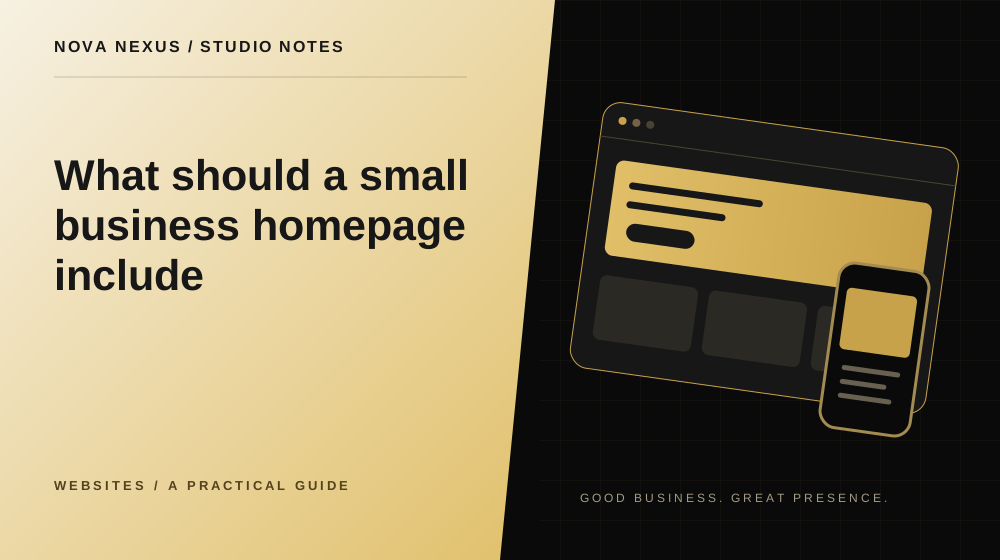
Your homepage should orient a new visitor before it asks them to make a decision.
Say what the business does early
Begin with a headline that identifies the offer or the useful result of the work. Support it with a short explanation of who the service is for. A memorable phrase can add personality, but it should not leave the visitor guessing about the business category or the kind of help available.
Test the opening with someone who does not know the company. Ask what they think you offer and what they would do next. Their answer can reveal ambiguity that is invisible to the people who wrote the page. Use this feedback to improve the explanation, not to remove every trace of character from the design.
Introduce a manageable set of services
Show the main ways someone can work with you. Use short descriptions that explain the purpose of each service rather than a list of internal package names alone. Visitors should be able to recognize the option that relates to their situation and follow a link for the details.
If the business has many offers, group them into understandable categories. The homepage can provide an overview while dedicated pages carry scope, deliverables and questions. This keeps the first visit approachable without hiding important information from people who want to explore further.
Make proof specific and permission based
Use evidence you can support: approved project examples, factual experience, real customer feedback or a clear demonstration of the work. Explain what the visitor is seeing. An illustrative interface can show a capability, but it should not be presented as a completed client project or a measured result.
Keep claims close to their context. A figure needs a meaning, not just a large number. If you do not have permission to show client material, use an original demonstration and label it appropriately. A careful presentation can be persuasive without inventing a customer story.
Explain how working together feels
A short process section can answer practical questions about the next step. Describe how you understand the request, agree scope, develop the work and deliver the final files. Use language that a customer can follow. Internal tools and production jargon usually do not help someone decide whether to enquire.
Include useful expectations such as what the client needs to provide and when feedback is requested. Keep the process proportionate to the offer. A small design request does not need a complicated journey, while a website project may benefit from a clearer explanation of stages and approvals.
Answer the questions that slow enquiries
Add a small set of questions people genuinely ask before starting. These may cover timing, revisions, ownership, content preparation or how a quote is agreed. Give a direct answer first, then add any necessary qualification. Avoid using the FAQ as a place to repeat promotional statements.
Keep information consistent with your service pages and terms. If the scope changes, update the homepage summary as well. Contradictory answers create more work for the customer and for the person responding to enquiries. A shorter set of accurate questions is better than a long list maintained poorly.
Finish with one clear invitation
The closing section should tell visitors what to do and what happens next. A contact link, project form or newsletter signup can be appropriate depending on their level of interest. Distinguish the primary project action from a lower commitment way to stay in touch so the choices do not compete equally.
Read the page from top to bottom as a sequence. The opening introduces, the middle explains and supports, and the ending invites a next step. Each section should add something useful. Remove repeated claims that make the page longer without helping a visitor understand the business more clearly.
Your next creative move
Ready to make this practical?
Explore our website design services, compare the available packages, or tell us what your business needs.
Tell us about your project
Nova Nexus
A creative studio for small businesses. Thoughtful brands, websites and marketing content, made to work beautifully together.
Meet the studio