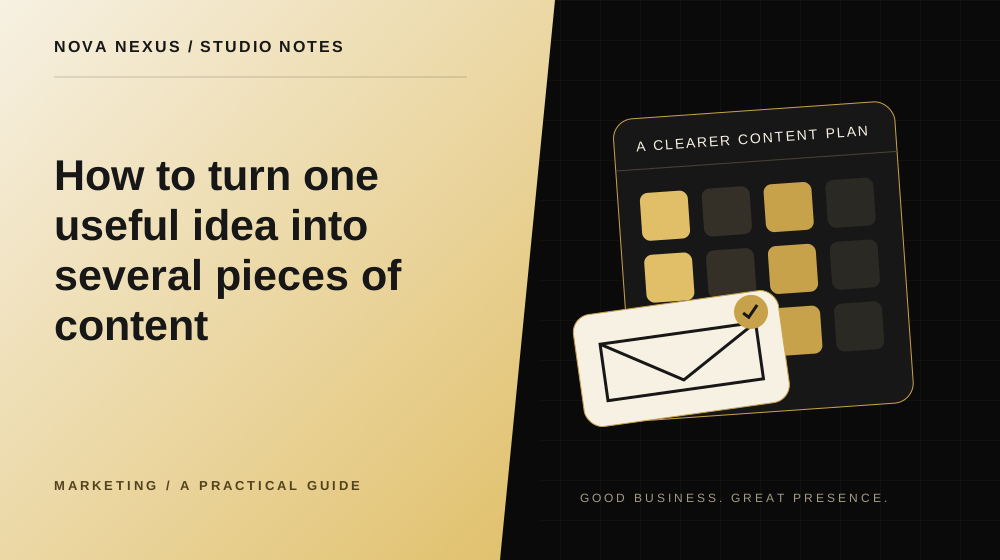
Repurposing works best when each format answers a different part of the same question.
Choose an idea with enough substance
Start with a question you can answer clearly from your actual work. It might involve preparing for a project, comparing two services or understanding a common mistake. The subject needs enough detail to support more than one angle. A single announcement may not justify a long article, a video series and several graphics.
Write the main answer and the supporting points before choosing formats. This keeps the content grounded in the idea rather than forcing it into a predetermined production list. Identify which parts need explanation, which can be shown and which would work as a quick reminder.
Make one reliable source piece
Develop the most complete version first. This could be an article, a clear outline or a recorded explanation. Verify factual claims, remove unnecessary detail and note any source material. The source piece becomes the reference for shorter versions, helping the message stay consistent as it moves between formats.
Keep the approved version in a shared place with a clear date and filename. If the offer or information changes, update this source before adapting more pieces. Otherwise, old statements can spread into new content simply because someone reused a familiar caption or graphic.
Give each format a distinct job
An article can explain the full process, a carousel can summarize the steps, and a short video can demonstrate one action. A newsletter might introduce the question and link to the deeper explanation. Each version should fit the attention and context of its destination.
Do not paste the same long paragraph into every format. A social graphic needs a readable amount of text, while a caption can provide context. A video needs a visible sequence and clear pacing. The underlying idea can remain consistent while the structure changes to suit the medium.
Create examples that clarify the point
Use a small example to make the advice concrete. If the subject is writing a website brief, show a vague request beside a clearer one. If it is organizing assets, show a sample folder structure. Make it clear when the example is illustrative rather than a real client document.
Avoid exposing private information while demonstrating the process. Replace names, contact details and confidential material with clearly fictional content. An example should make the lesson easier to understand without turning a customer's project into unapproved public material.
Build a coordinated asset package
Keep the finished visuals, captions, links and publishing notes together. Use filenames that connect the pieces to the source idea. Record any format differences so that the person publishing can choose the right file. A well organized package prevents the wrong crop or outdated caption from being used.
Review the pieces as a set. Check that they share a visual thread without looking identical, and that the calls to action lead somewhere appropriate. Not every piece needs a direct sales invitation. Some can help the audience understand the subject and point toward a more detailed resource.
Spread the idea thoughtfully
Decide how the pieces fit into the wider calendar. Publishing every variation at once may feel repetitive, while spacing them can give the subject room to develop. Keep enough context in each piece that it makes sense to someone who has not seen the others.
Afterward, note which format was easiest for the audience to use and which required more explanation. Use that feedback when choosing the next source idea. Repurposing should reduce unnecessary production work while improving clarity, not create a larger pile of content with no additional value.
Your next creative move
Ready to make this practical?
Explore our monthly content services, compare the available packages, or tell us what your business needs.
Tell us about your project
Nova Nexus
A creative studio for small businesses. Thoughtful brands, websites and marketing content, made to work beautifully together.
Meet the studio